
Cloud POS vs a POS terminal: working out the real cost
Choosing a POS · Updated · 5 min read
Read this in: 中文 · Bahasa Melayu
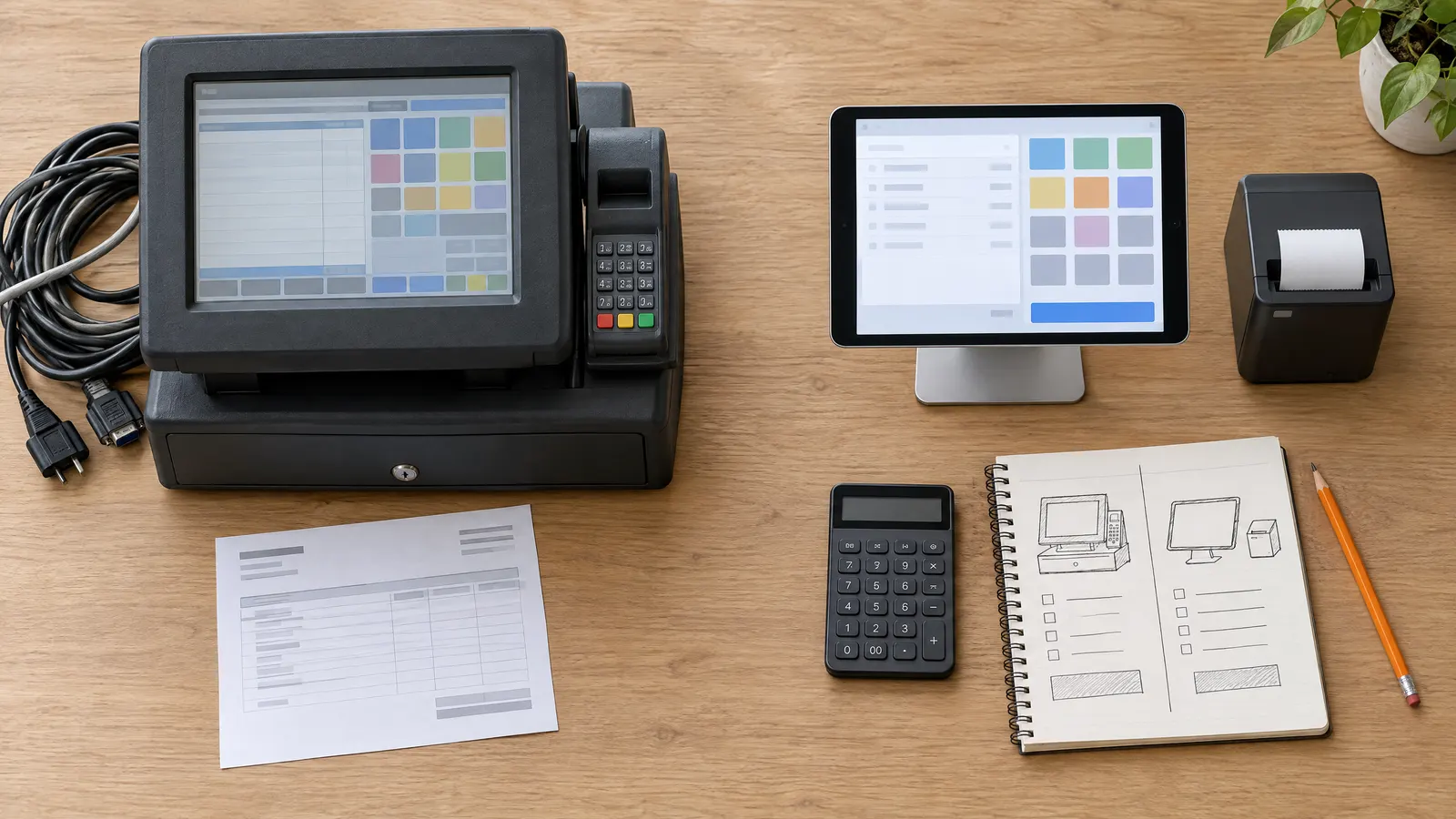
Key takeaways
- Compare total cost over three years, not the monthly price or the upfront price on its own.
- The main difference is upfront hardware: a terminal package is paid for before the first sale; a cloud POS can run on a device you already own.
- Printers, cash drawers and payment fees are needed with either, so they rarely decide the comparison.
- Staff logins, support contracts and replacement hardware are the costs most often left out of a quote.
- Cloud does not automatically mean cheaper. Work the numbers with your own quotes.
When owners compare point-of-sale options, they tend to compare the wrong numbers: the monthly subscription on one side and the hardware price on the other. Neither tells you what the system will cost to run. This guide sets out a simple way to compare a traditional POS terminal with a cloud POS over the period you will actually use it - three years is a sensible horizon for a small business.
What the two models are
A traditional POS terminal is dedicated hardware - an all-in-one touchscreen, often with a built-in printer - sold with the software installed. It is typically bought upfront or on a rental plan, sometimes with installation, training and a support contract.
A cloud POS is software you use through a browser or app, on a general-purpose tablet, phone or computer. Your data is stored online rather than on the device, and you pay a subscription, sometimes with a free tier. Hardware is optional beyond a device to run it on.
The costs to count
| Cost | POS terminal | Cloud POS |
|---|---|---|
| Main device | Terminal bought or rented from the vendor | Tablet, phone or laptop - possibly one you own |
| Installation and setup | Often charged | Usually self-service |
| Software | Licence, or included in rental | Monthly or yearly subscription |
| Support and updates | Often a separate yearly contract | Usually included in the subscription |
| Extra staff logins | Varies | Often charged per user per month |
| Receipt printer and cash drawer | Needed either way | Needed either way |
| Replacement if the device fails | Vendor part, vendor timeline | Any compatible device from a shop |
| Card and e-wallet fees | Charged by bank or gateway | Charged by bank or gateway |
Two rows in that table - printers and payment fees - are the same on both sides for most businesses, so they do not decide the comparison. They still belong in your budget. The rows that do differ are the device, installation, support and what happens when hardware fails.
A simple three-year formula
For each option you are considering, add up:
- Upfront cost: hardware, installation, setup and training.
- Software: the monthly price multiplied by 36, or the yearly price multiplied by 3.
- Support: any yearly support or maintenance contract, multiplied by 3.
- Staff: the price per extra login, multiplied by the number of extra staff and by 36 months.
- A realistic allowance for replacing a device once in three years.
A worked example
Suppose a shop is quoted RM 3,500 upfront for a terminal package and RM 100 a month for software and support. Over three years that is RM 3,500 + (RM 100 x 36) = RM 7,100, before any extra staff logins.
The same shop already owns a tablet and chooses a cloud POS at RM 299.90 a year - the FivePOS Starter plan, billed yearly. Over three years that is RM 299.90 x 3 = RM 899.70. If they later buy a second tablet as a backup, that is a one-off cost they can price at any electronics shop.
Add one extra staff login in each case. On FivePOS that is RM 10 a month, or RM 360 over three years. Ask the terminal vendor for their figure rather than assuming it is free.
The point of the example is not the gap between the two totals, which will be different for your quotes. It is that the upfront cost dominates a small business's first year, and that it is the one cost a device you already own removes entirely.
When a terminal can still make sense
- You run a very high-volume counter where a purpose-built, hardened device is worth paying for.
- The vendor's on-site support is something you genuinely need and will use.
- You have no suitable device and would be buying one either way - in which case compare a terminal with a tablet plus a subscription, like for like.
Costs that are easy to miss
- Minimum contract terms and early cancellation fees.
- Price rises at renewal. Ask whether the yearly price is fixed.
- Features on a higher tier - loyalty, online ordering or advanced reports that are demonstrated but not included in the plan quoted.
- Report history limits, where older sales are only visible on a paid plan.
- Your time. A system your staff cannot learn in a morning costs you in mistakes for months.
Where FivePOS fits
FivePOS is a cloud POS that runs on the tablet, phone or laptop you already have. The Free plan is RM 0 with no card required. Starter is RM 29.90 a month or RM 299.90 a year, and Professional is RM 49.90 a month or RM 499.90 a year, adding AI Insights, member loyalty and an online storefront. Extra staff logins are RM 10 per user per month. It works with receipt printers over Bluetooth and Wi-Fi. Reports on the Free plan cover the most recent 30 days. See How to choose a POS system in Malaysia for the rest of the checklist, or start free.
Frequently asked questions
Is a cloud POS cheaper than a POS terminal?
Often, mainly because it can run on a device you already own and so removes the upfront hardware cost. It is not automatically cheaper - compare the total over three years, including subscriptions, support, staff logins and replacement hardware, using real quotes.
What hardware do I need for a cloud POS?
A tablet, phone or laptop with a modern web browser. A receipt printer, cash drawer and barcode scanner are optional and depend on how you sell; the same accessories would be needed with a terminal.
Are card payment fees included in the POS price?
Usually not. Card, e-wallet and online banking fees are charged by your bank or payment gateway per transaction, whichever POS you use, so compare them separately.